But sometimes, they just don't have it in their calendar for whatever reason. Maybe you opted not to send that notification. Or they accidentally deleted it. Or they are a new member of a Group with already-scheduled Group Appointments coming up (meaning they would have missed the initial notifications).
So you'd like to resend the invite.
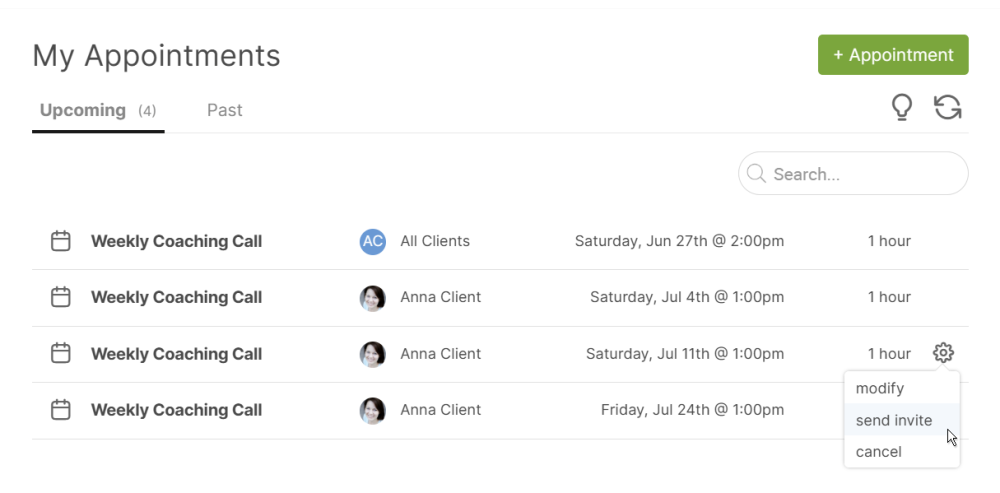
You can send a calendar invite for a single Appointment from the gear menu of a given Appointment, like here from your My Appointments >> Upcoming listing:
Resending All Upcoming Appointments
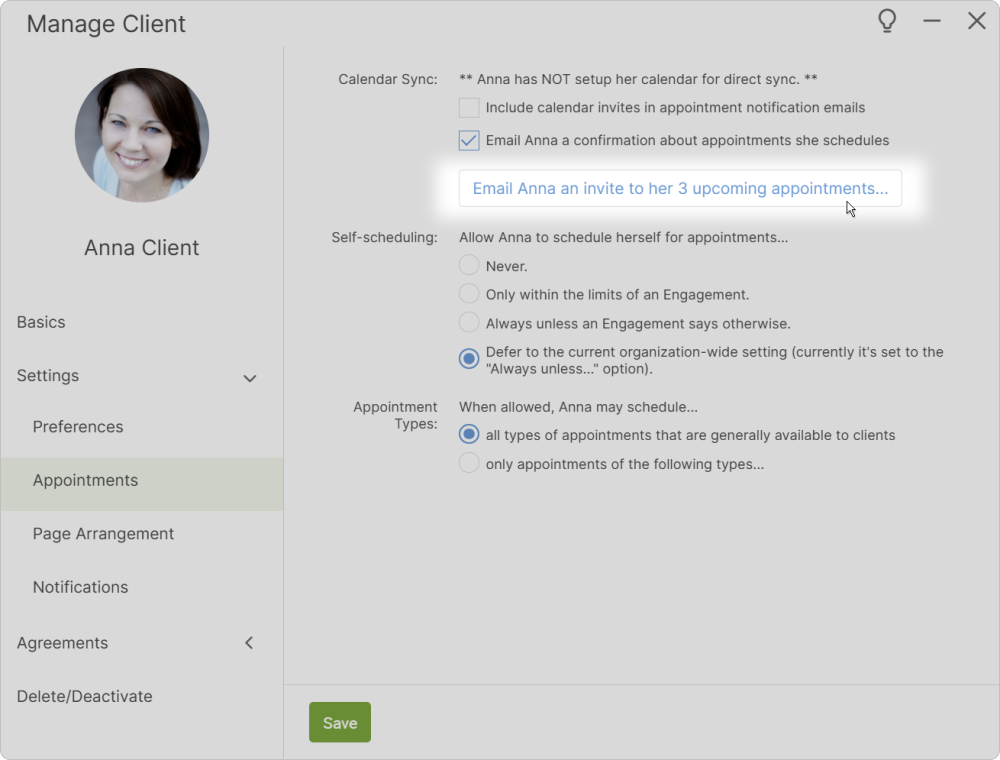
If your client has multiple upcoming Appointments, you can quickly send them calendar invites to all of them. Do this from the client's Client Manager (click the gear icon for a given client in a Clients listing). When they have one or more upcoming Appointments, the button is found under Settings >> Appointments >> Calendar Sync, like so:
When you click this button, you'll be able to send those off:
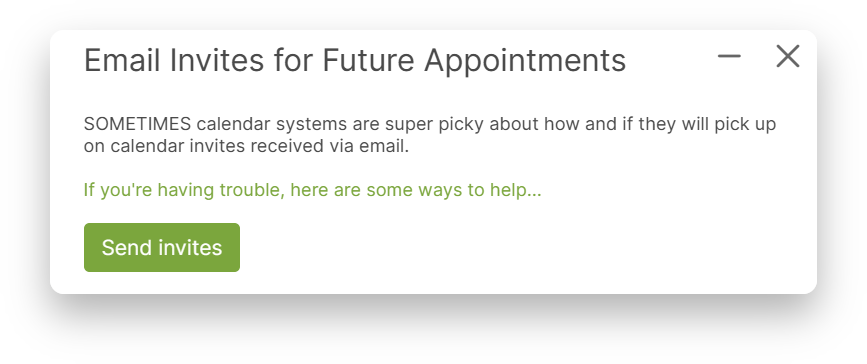
Note the "If you're having trouble, here are some ways to help..." link. SOME email/calendar clients (e.g. Outlook) will ignore all but the first calendar event sent in a single email. Clicking that link will give you some other options by which to successfully get ALL upcoming events added to your clients calendar.
Clients Can Do This, Too
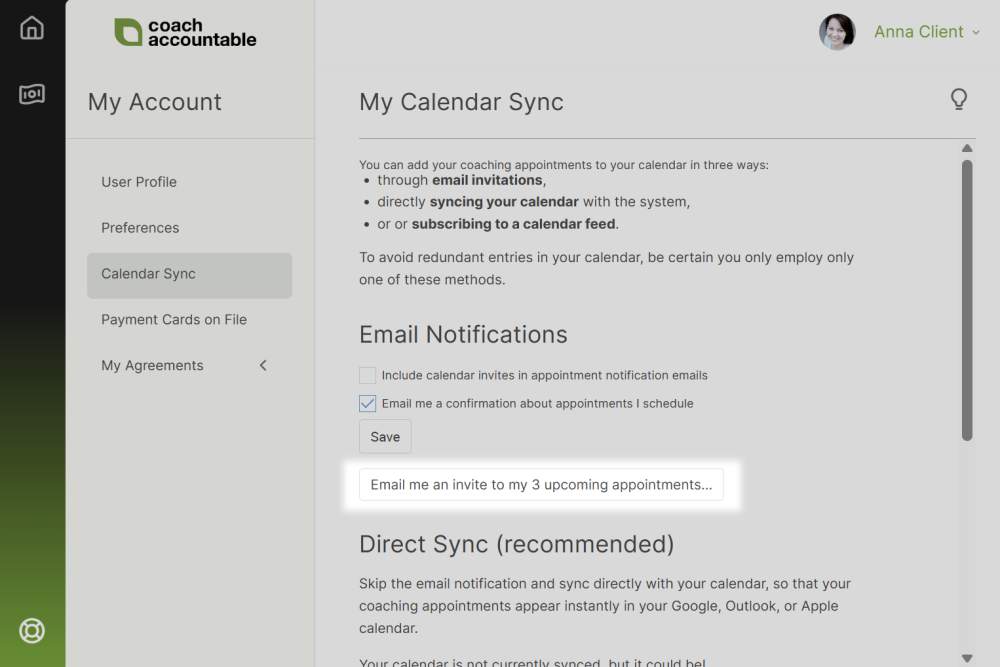
If it comes up as a recurring issue, you can let your clients know that they, too, have the power to send themselves calendar invites for their upcoming Appointments. They'll find the place to do so from their My Account >> Calendar Sync page, like so: