CoachAccountable includes reports to help you keep track of and organize client invoicing.
Each report has a Totals row towards the bottom. Clicking a column heading sorts the column's data in ascending or descending order. Additionally, all reports can be downloaded as CSV by clicking Download as CSV in the bottom-left corner. You can use that CSV in your accounting system of choice.
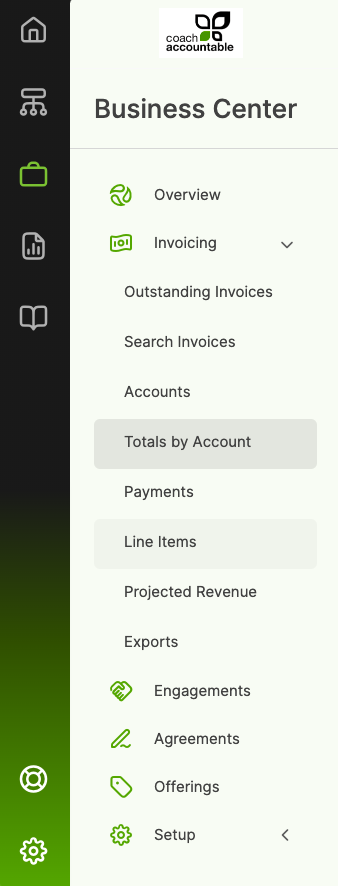
Head over to your Business Center >> Invoicing to access the reports available: