That said, here are some words about CoachAccountable Webhooks as a beacon for anyone searching for this functionality!
From your Settings >> API Access >> Webhooks area you'll be able to define one or more Webhooks.

A Webhook is essentially you giving marching orders to CoachAccountable along the lines of "Hey, anytime _____ happens in my account, please send data about that event to this other place on the web (so that I can have an automated process listening for when that happens and take whatever appropriate action in response)".
When you create/define a webhook, you give it a name (whatever is handy for your own reference), and the URL to which CA should post data about the event.
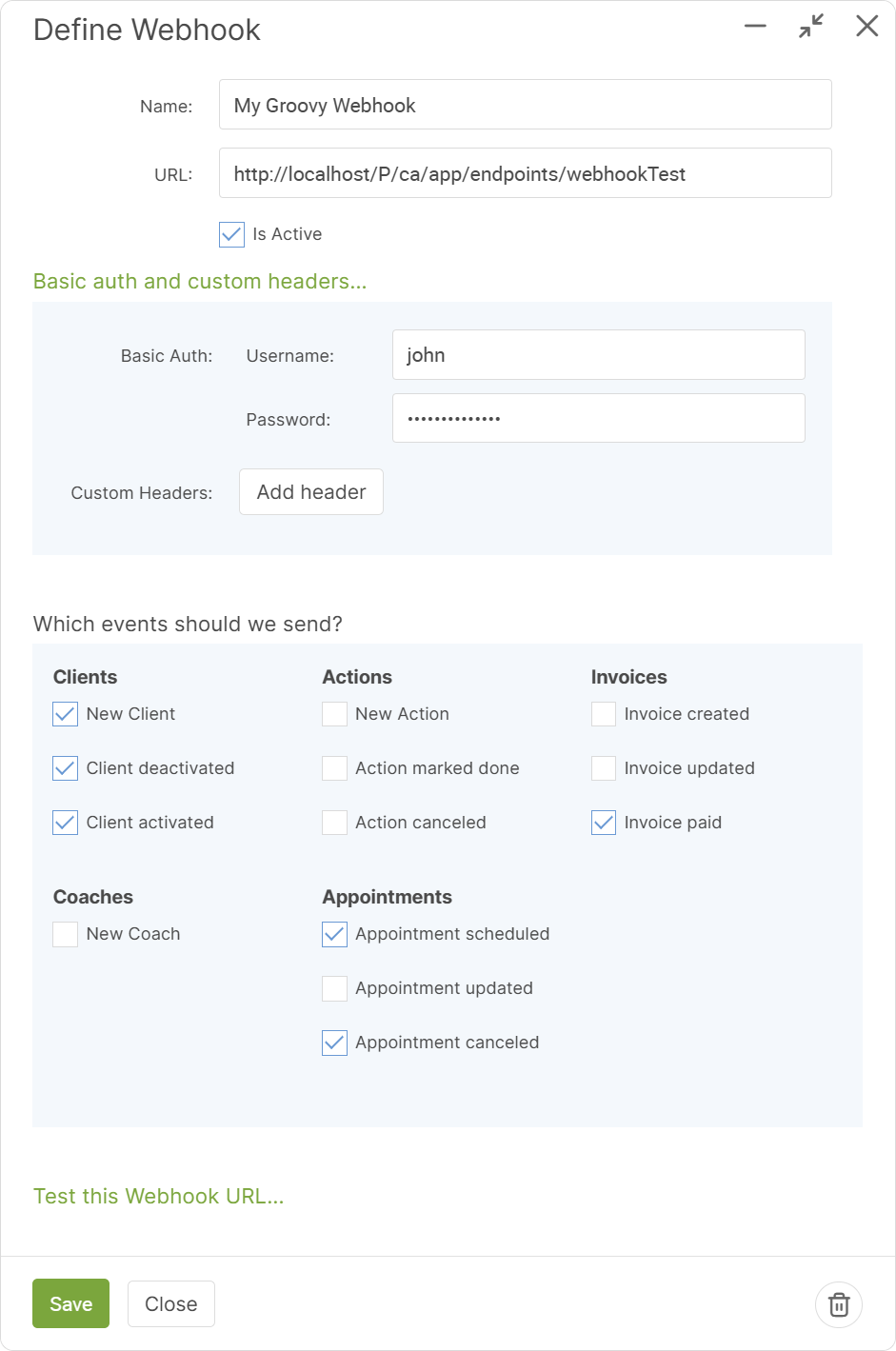
Beyond that, you can add any authorization and custom headers that will be expected on the receiving URL.
Once those key bits are set, you can choose which events you'd like CoachAccountable to send to that URL. Check or uncheck whichever are relevant for your purposes (i.e. which events you'd like to "subscribe" to), and you're set!
You can easily test your Webhook to see:
- the exact format of data that CA will send for each type of event, and
- what CA gets when it posts that data to your URL (with whatever headers)
Do this by clicking the "Test this Webhook URL..." link:
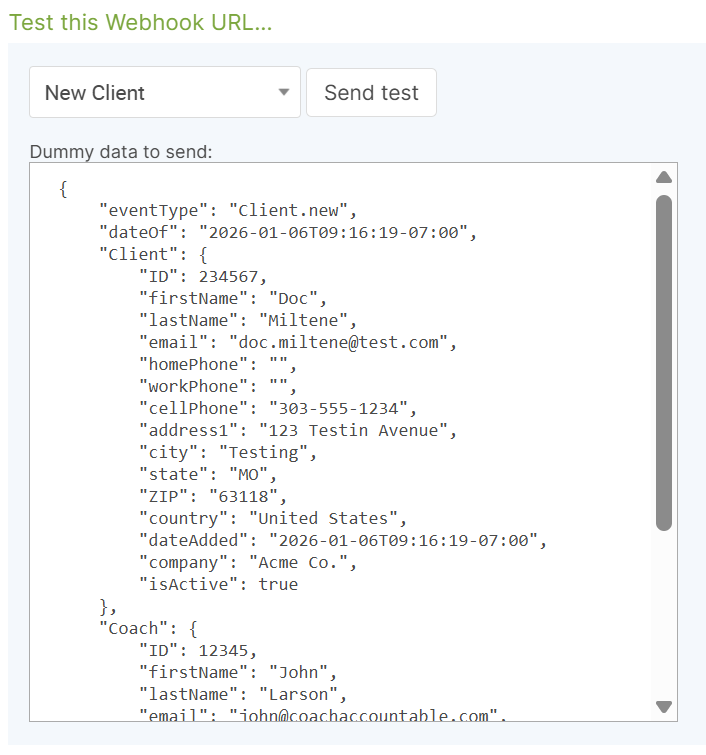
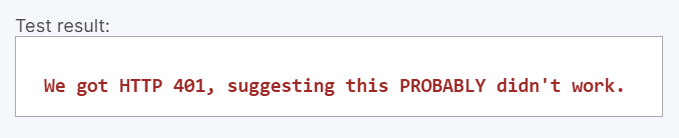
Upon hitting "Send test", CA will pack up that data and POST it to the URL of choice, and you'll see the result (i.e. the response that CA got back) immediately.
All green? You can be pretty assured things are set as they need to be:

See red? Chances are you'll have to adjust something on one end or the other:
And that's all there is to it! You can create as many Webhooks as you need, and have CA report whichever event types to each respective URL set by a Webhook. These can double up, too, in that you can have more than one Webhook listening for the same event.
If a Webhook fails to get a HTTP result that suggests success (HTTP status code 2XX), CA will retry again in 5 minutes, and subsequently retry with exponential back off up to 5 times (i.e. 10 minutes later, then 20 minutes later, etc.).
Supported Events
At present, CA Webhooks support notifications for the following events:
- New Client
- Client deactivated
- Client activated
- New Coach
- New Action
- Action marked done
- Action canceled
- Appointment scheduled
- Appointment updated
- Appointment canceled
- Invoice created
- Invoice updated
- Invoice paid
Need others? Just ask. :)
Data that is Sent for Events
The data sent for each event aims to be a suitable coverage to describe the event itself and relevant context (e.g. the Client information for an Appointment that concerns a given client). If you feel there is a relevant field or two that is missing from the payload for a given event, let us know and if we agree it to be a sensible addition, we'll do so.